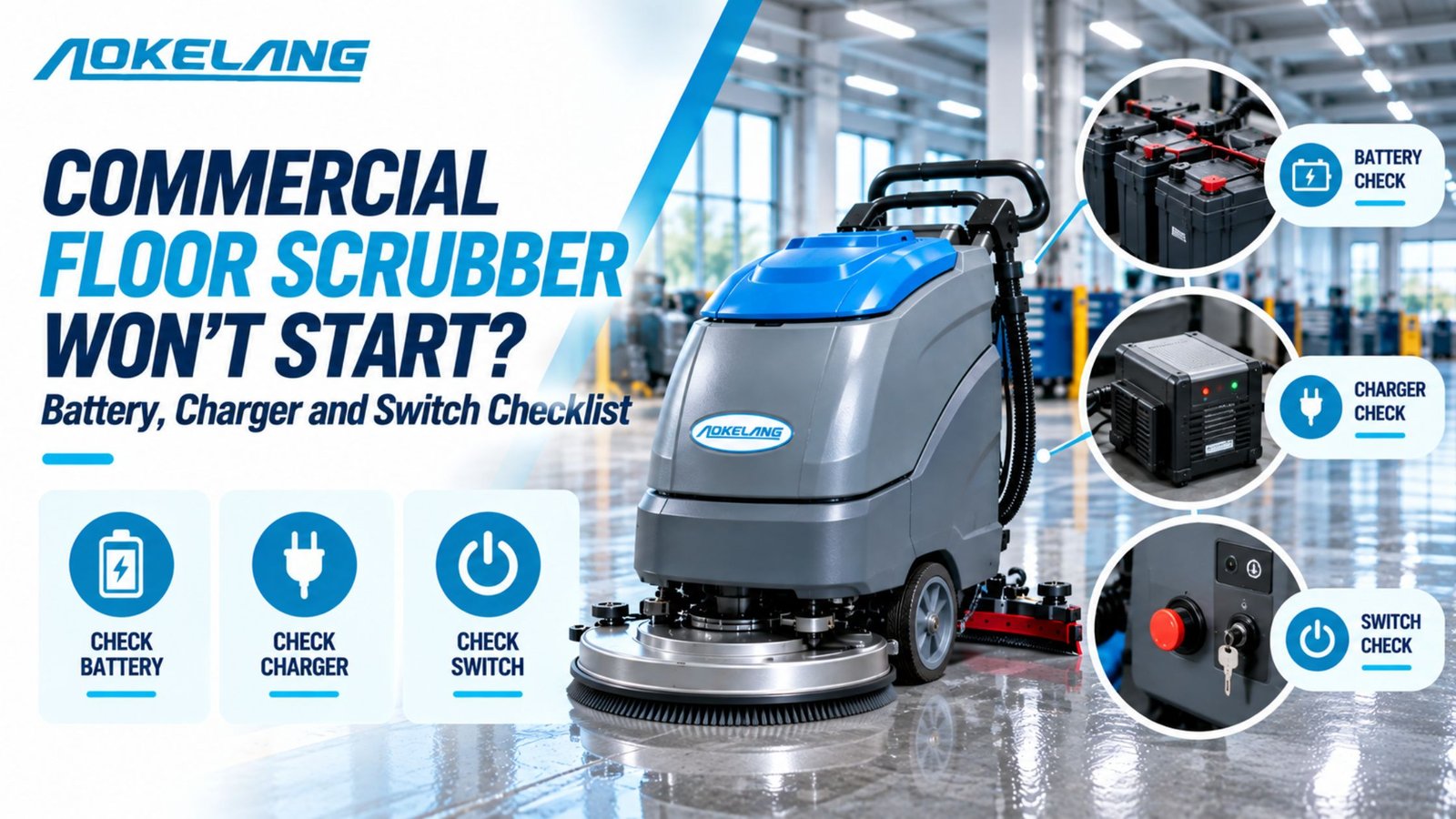
Key takeaways
- Most no-start problems are simple: a charger cord still plugged in, a pressed emergency stop, a disconnected battery connector, or a flat battery pack.
- What the machine does when you turn the key tells you where to look. No lights at all, lights but no movement, and power that cuts out after a few minutes are three different problems.
- A multimeter reading of the battery pack answers more questions than any other single check.
- Many scrubbers won’t run while the charger is plugged into the wall. That’s a safety interlock, not a fault.
- A lithium battery that has been run completely flat can shut itself off to protect the cells. It needs a different fix from a flat lead-acid battery.
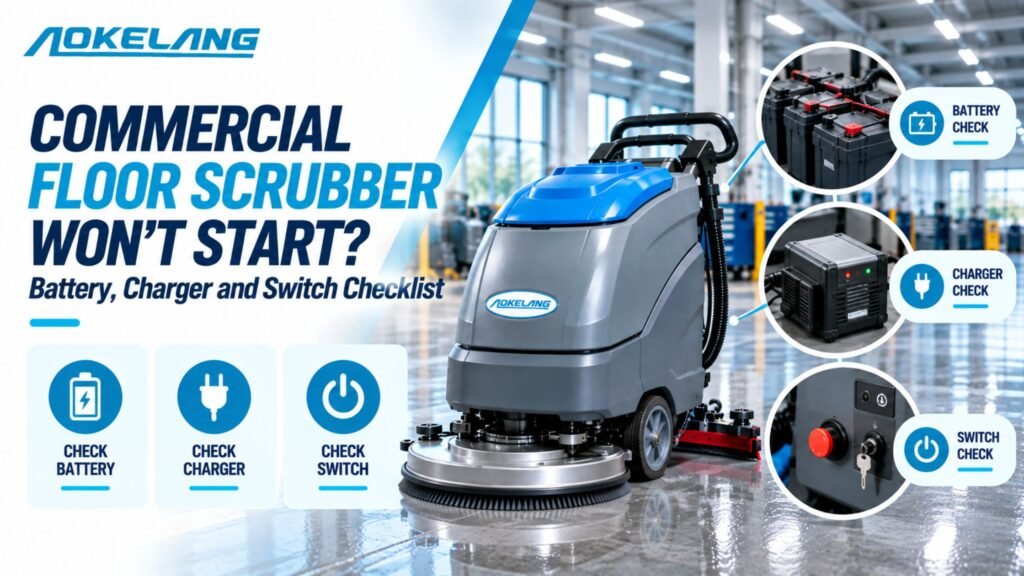
A commercial floor scrubber won’t start its usually has a power supply problem: a flat or disconnected battery, a charger interlock, or a safety switch that’s still engaged. Check the 60-second items first, then test the battery voltage and the charger, and leave wiring and controls until last.
What is the machine telling you?
Turn the key or press the power button and note exactly what happens. Each symptom points to a different part of the system.
| What happens | Most likely cause | Start with |
| Nothing at all: no lights, no display, no sound | Battery disconnected or flat, charger interlock, emergency stop pressed, or a main fuse | Quick checks, then the battery checklist |
| Display lights up, but the brushes and drive don’t work | Operator presence switch, tripped breaker, or low-battery lockout | Switch and control checklist |
| A click, then nothing | Battery too weak to power the motors under load, or a loose cable | Battery checklist |
| Starts, runs a few minutes, then shuts off | Battery near the end of its life, or charged only partly | Battery and charger checklists |
| Battery won’t charge, or the charger shows a fault | Charger, outlet, cord, wrong charger, or a deeply discharged battery | Charger checklist |

Before you start: stay safe around the batteries
Floor scrubber batteries store a lot of energy, and lead-acid batteries give off hydrogen gas while they charge.
- Turn the key off and remove it before you open the battery compartment.
- Wear gloves and eye protection when you handle terminals or battery fluid.
- Take off rings and watches. A metal band across two terminals can cause a serious burn.
- Keep sparks and flames away from the battery area, and charge in a ventilated space.
Quick checks that take under a minute
Run these before you pick up a tool. They fix a surprising share of no-start calls.
- Unplug the charger. Many scrubbers have a charger interlock that stops the machine from running while the charging cord is connected. Unplug the cord from both the outlet and the machine, then try again.
- Reset the emergency stop. If the red emergency stop button is pressed in, the machine has no power. Twist or pull the button to release it, depending on the type.
- Turn the key fully. A key that’s only partly turned, or a power button that wasn’t held long enough, looks the same as a dead machine.
- Check the battery connector. Many scrubbers have a large plug-style connector between the battery pack and the machine. It’s sometimes left unplugged after shipping, storage or service, so make sure it’s pushed fully together.
Battery checklist
If the quick checks didn’t help, test the battery. You need a basic digital multimeter set to DC volts.
1. Test the pack voltage
Measure across the main positive and negative terminals of the whole pack, not a single battery. Let the battery rest for a few hours after charging or use, so the reading is accurate.
Aokelang floor scrubbers, including the AD2, AX2, AT3, AD4 and AD6, all run on 24V battery systems. For a 24V flooded lead-acid pack, use these resting readings as an approximate guide:
| Resting voltage (24V lead-acid) | Approximate charge |
| 25.4V or higher | Fully charged |
| About 24.4V | Around half charged |
| About 23.6V or lower | Close to empty |
| Around 20V or lower | Deeply discharged. Many controllers lock out at this level. |
Exact figures vary by battery type and temperature, so check your battery maker’s chart.
If the voltage is low, charge the battery fully and test again. If it reads normal after charging but drops sharply as soon as the machine starts, one cell is probably failing. That’s the classic cause of a click and then nothing, or a machine that dies after a few minutes.
2. Clean the terminals
Look for white, grey or blue-green crust on the terminals and cable ends. Corrosion adds resistance, so the machine may not get enough current even from a charged battery.
- Disconnect the pack, negative cable first.
- Scrub the terminals with a stiff brush and a solution of baking soda and warm water.
- Rinse with a little clean water and dry thoroughly.
- Reconnect, positive cable first, and coat the terminals with a terminal protector or petroleum jelly.
3. Check every cable connection
Tug gently on each cable at each terminal, and tighten anything that moves. A loose connection can cause power loss under load, arcing and melted terminals.
Check the short link cables between individual batteries too, not just the main leads. One loose link cuts power to the whole pack.
4. Look at the battery cases
Replace the battery if you see cracked, bulging or swollen cases, leaking fluid, or heat marks around the terminals. Don’t charge a battery with a swollen or damaged case.
5. Check the water level in flooded batteries
This step applies only to flooded (wet) lead-acid batteries. Sealed AGM, gel and lithium batteries don’t need water.
- Add distilled water after a full charge, not before. The fluid expands during charging and can overflow.
- The one exception is when the plates are showing above the fluid. Then add just enough distilled water to cover them before charging.
- Never use tap water. Its minerals shorten battery life.
Lithium batteries: check for protection mode
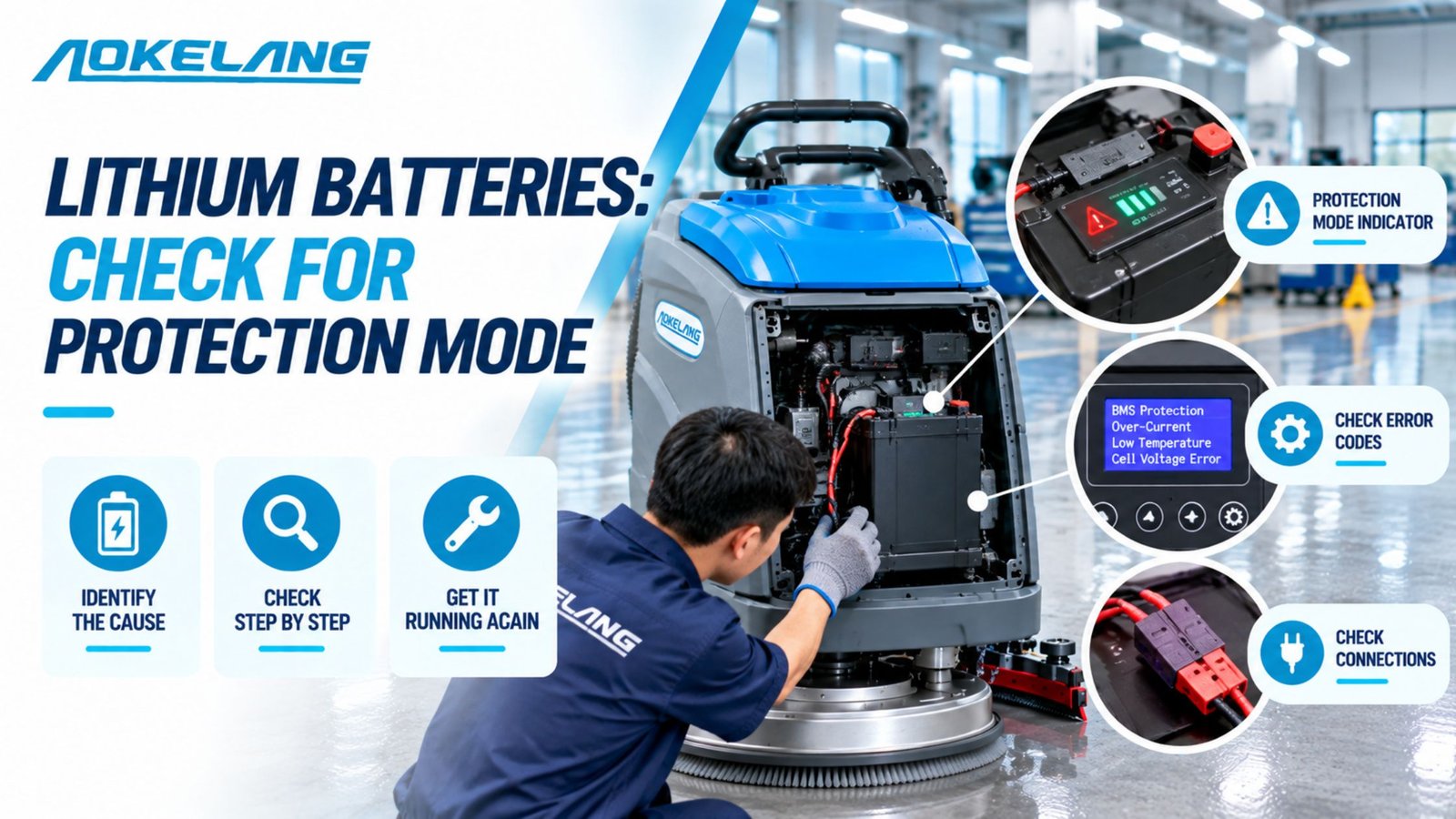
Lithium batteries have a battery management system (BMS) that shuts the pack off if it’s discharged too far, overheats, or develops a fault. A pack in protection mode can read zero volts, and some chargers won’t recognize it.
Don’t try to jump-start a lithium pack. Contact your supplier for the correct reset or wake-up procedure for that battery.
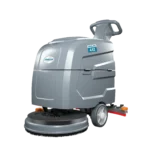
Every Aokelang scrubber ships with a battery and charger included, in either lead-acid or lithium-ion versions. For a full comparison of the two, see our guide to battery powered floor scrubbers.
Charger checklist
If the battery won’t hold a charge, or the charger never seems to finish, work through the charger itself.
- Test the wall outlet. Plug in another device, such as a work light, to confirm the outlet has power. Check for a tripped breaker or GFCI (earth-leakage) switch in the building.
- Inspect the cord and plug. Look for cuts, crushed sections, bent or burnt prongs, and loose connectors where the cord meets the machine. Replace a damaged cord rather than taping it.
- Check the charging light. After plugging in, confirm the charger’s indicator light comes on. Most chargers use lights or blink codes to show charging, complete, or fault. Look up the meaning in the charger manual before assuming the charger has failed.
- Use the charger made for your machine and battery. Lead-acid, AGM, gel and lithium batteries each need a different charging profile. Chargers are also sized to the battery’s capacity, so a charger from another model may charge too slowly or not fully.
- Allow the full charge time. Aokelang scrubbers take about 6 to 8 hours to charge fully. A machine that comes off charge early will start the next shift with a partly charged battery.
- Watch for a deeply discharged battery. If the pack voltage is below a minimum, some smart chargers won’t start charging, because they read the battery as missing. This often happens after a machine is stored flat for weeks. A technician can bring the pack back up safely.
Here’s how Aokelang matches each scrubber’s battery and charger:
| Model | Battery | Charger | Runtime per charge |
| AD2 | 24V / 32Ah | 24V / 5A | 1.5–2 hours |
| AX2 | 24V | 24V / 10A | Up to 3 hours |
| AT3 | 24V / 100Ah | 24V / 10A | 3–4 hours |
| AD4 | 24V / 100Ah | 24V / 15A | 3–4 hours |
| AD6 | 24V / 150Ah | 24V / 20A | 3–4 hours |
If you’re unsure whether you have the right charger, compare its label with the table above.
Switch and control checklist
If the battery and charger check out but the machine still won’t run, the fault is in the controls.
1. Reset circuit breakers and check fuses
Scrubbers protect each motor circuit with breakers or fuses. A jammed brush or an overloaded motor can trip one and cut power to that function or to the whole machine.
Find the breaker buttons. They’re often on the control panel or under a cover near the batteries; your operator manual shows where. Press any popped breaker firmly to reset it.
If it trips again straight away, there’s an underlying fault, such as a jammed brush, a damaged motor or a short. Stop and find it before resetting again.
2. Check the operator presence switch
Most scrubbers won’t drive or scrub unless they detect an operator.
- Ride-on machines usually have a seat switch. If the display is on but nothing moves, check that the switch clicks when you sit down and that its wire is connected.
- Walk-behind machines often use a paddle or bail on the handle that must be squeezed to start the brush and drive.
A sticky or broken presence switch looks exactly like a dead machine.
3. Inspect the key switch or power button
Turn the key slowly through each position and feel for a firm click. A worn key switch can stop making contact in the “on” position.
With the battery disconnected, check behind the control panel for loose or burnt wires at the switch.
4. Read the battery gauge and error indicators
Check the control panel before resetting anything. Aokelang scrubbers show the battery level on the control panel, and ride-on models also show an hour meter and error indicators on the dashboard.
- A very low battery reading points back to the battery and charger checklists.
- An error indicator often points straight to the fault, such as low voltage, an overloaded motor or a sensor problem. Note it down, or take a photo, before you reset the machine, and include it when you contact support.
Must Read –
Floor Scrubber Not Picking Up Water
Floor Scrubber Leaving Streaks
When should you call a technician?
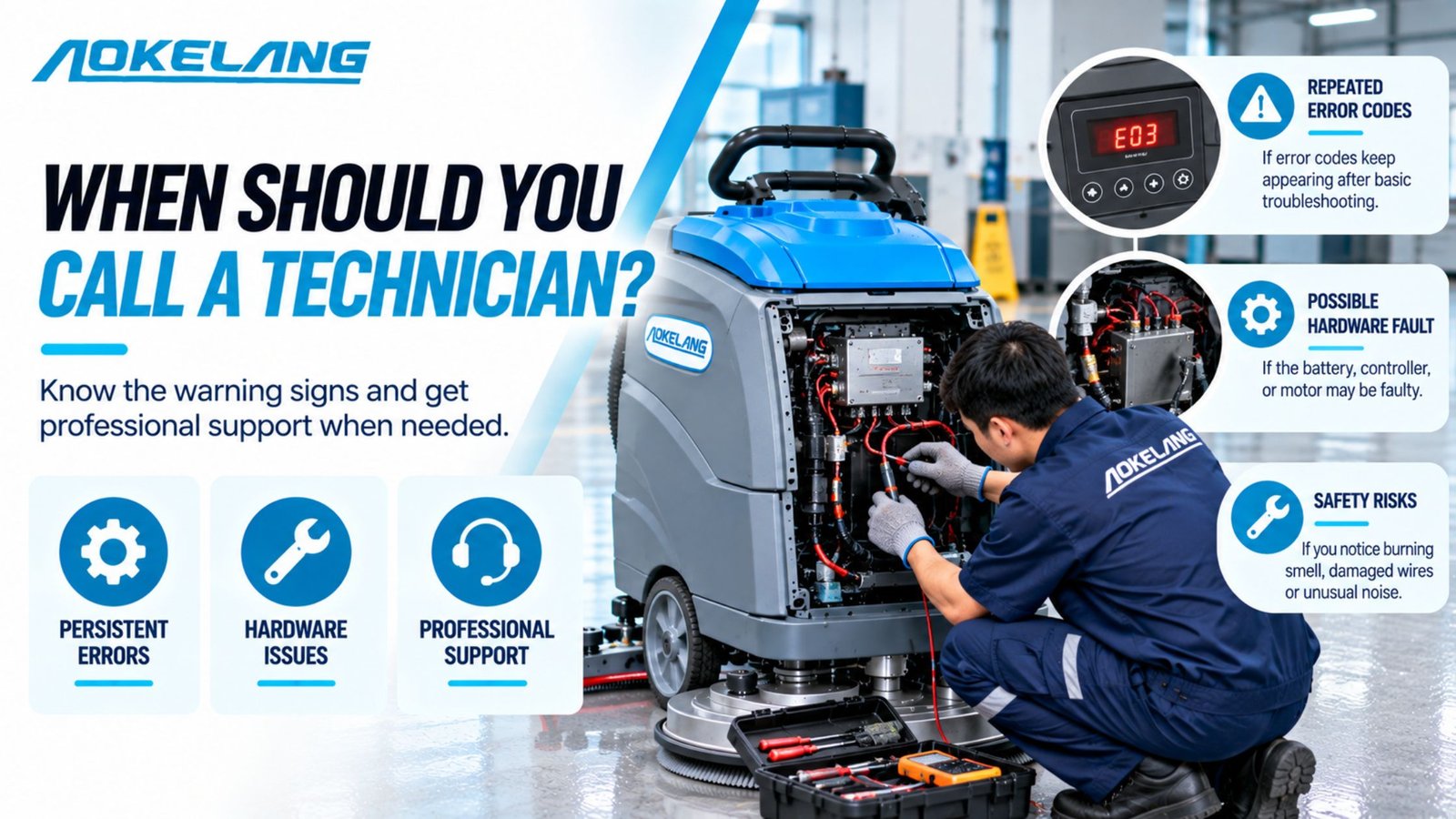
Stop troubleshooting and get help if:
- a breaker or fuse trips again as soon as you reset it
- you smell burning or see melted plastic or scorched terminals
- a battery case is swollen, cracked or leaking
- the battery reads normal voltage, the controls check out, and the machine still won’t start
- a lithium pack won’t wake up or charge
Every Aokelang floor scrubber comes with a 1-year warranty and online technical support. When you contact us at info@aokelang.com, have the following ready:
- the model number
- the battery type
- your voltage readings
- a photo of any error indicator
How do you stop it happening again?
A few habits prevent most no-start calls:
- Check the battery gauge before every shift. If it’s below 30%, charge before you start. Running a lead-acid battery below 20% damages the cells permanently.
- Charge fully after every shift, and let the charge cycle finish.
- Check the water level in flooded batteries weekly.
- Clean the terminals monthly.
- Unplug the charger before starting work.
- Never store a machine with a flat battery.
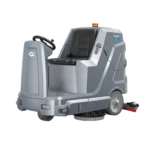
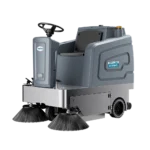
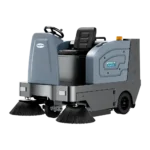
Match battery runtime to your shift when choosing a machine. A compact walk-behind like the AD2 runs for 1.5 to 2 hours per charge. The AD4 and the ride-on AD6 run for 3 to 4 hours. If your shifts are longer, plan charging breaks or ask about lithium options. You can compare runtimes across our floor scrubber range.
For daily start-up and shutdown routines, see our guide on how to use a floor scrubber. For a full weekly and monthly battery schedule, see our floor scrubber maintenance guide.
Frequently asked questions
Why does my floor scrubber start, then shut off after a few minutes?
The battery is usually only partly charged, or close to the end of its life. The voltage reads fine at rest, then drops under the load of the brush and vacuum motors. Charge the battery fully, then test the voltage while the machine runs. A sharp drop points to a failing cell.
Why won’t my scrubber run while it’s plugged in?
Many scrubbers have a charger interlock that blocks operation while the charging cord is connected. Unplug the cord completely and the machine should start.
Can I charge my scrubber battery with a car battery charger?
No. Scrubber batteries are deep-cycle packs, 24V on Aokelang machines, and they need a charger matched to their voltage, capacity and battery type. A car charger can undercharge, overcharge or damage the pack.
My scrubber runs, but the vacuum doesn’t pick up water. Is that a battery problem?
It can be, because a low battery weakens the vacuum motor first. If the battery is fine, see our guide on what to do when a floor scrubber isn’t picking up water. If it picks up water but leaves lines, see why a floor scrubber leaves streaks.