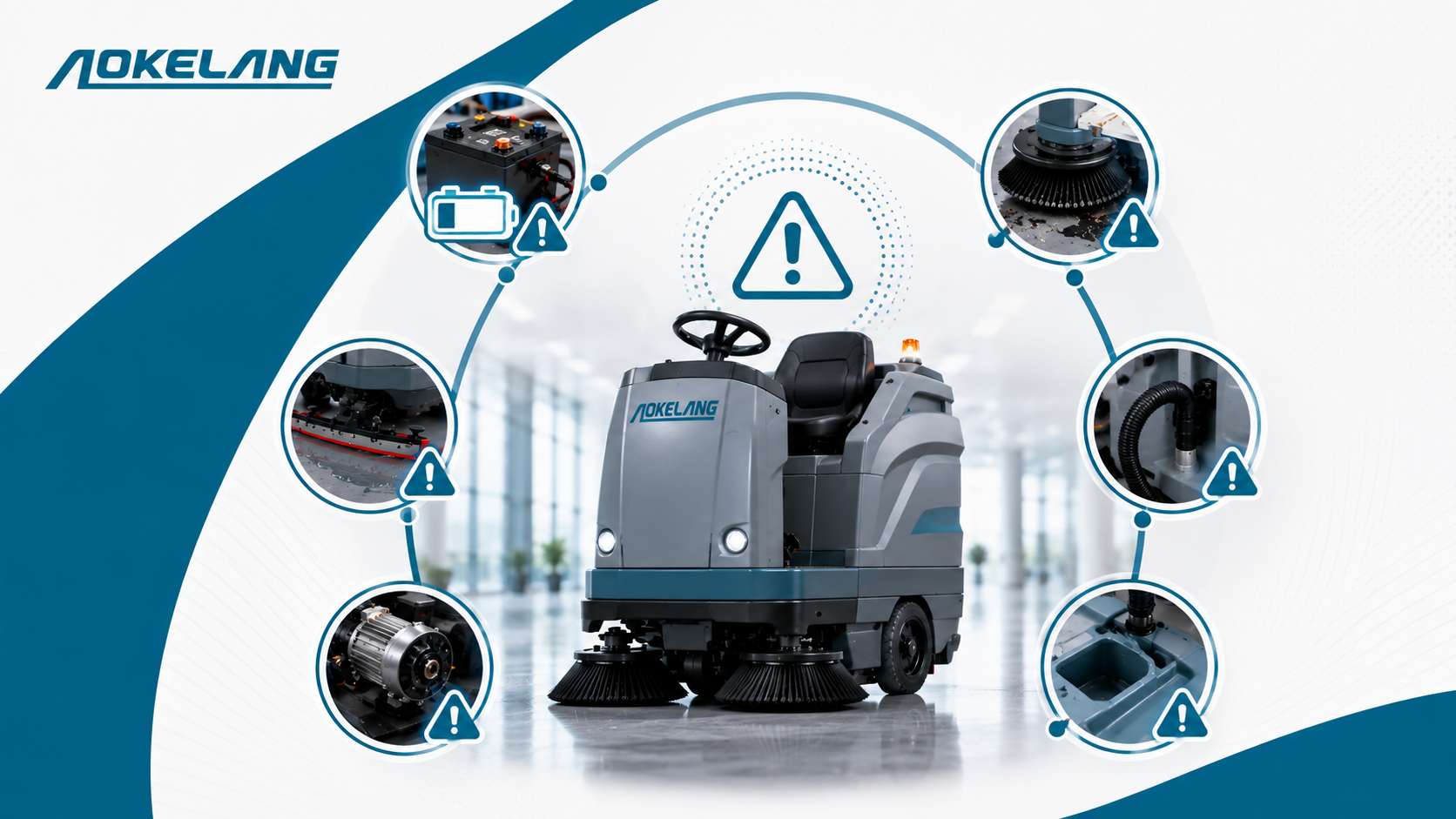
How to identify common issues in cleaning machines? The most common issues in floor cleaning machines — scrubbers and sweepers alike — are: poor water pickup or suction loss, brushes not rotating or spinning ineffectively, solution not dispensing, battery draining too fast or not holding charge, abnormal noise or vibration during operation, and inconsistent or declining cleaning results. Most of these issues follow recognisable patterns with clear warning signs that appear well before a full breakdown. Knowing how to spot them early, understand what’s causing them, and take the right corrective action is what separates a cleaning operation that runs smoothly from one that loses productivity to avoidable equipment failures.
Floor cleaning machines are workhorses. A well-matched floor scrubber or sweeper runs daily, covers large areas under demanding conditions, and is expected to deliver consistent results shift after shift. But like all mechanical equipment, they develop issues — and the way those issues present tells you exactly what’s wrong if you know what to look for.
The challenge for most facilities isn’t that the problems are technically complex. It’s that the warning signs are gradual and easy to overlook in the daily rhythm of operations. The floor looks approximately clean. The machine is running. Nobody notices that suction is down 30%, that the brush pressure is uneven, or that the battery is delivering half its rated runtime — until the machine stops altogether at an inconvenient moment.
This guide covers the most common issues across both floor scrubbers and floor sweepers, what each problem looks like in practice, and the first-line checks that identify the root cause before it escalates.
Table of Contents
Understanding the Two Machine Types
Before getting into specific issues, it helps to understand what each machine type does — because the problems that most commonly affect each follow from their respective operating principles.
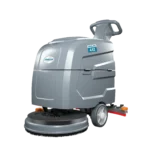
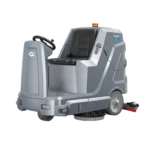
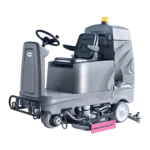
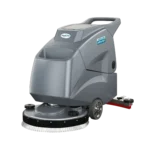
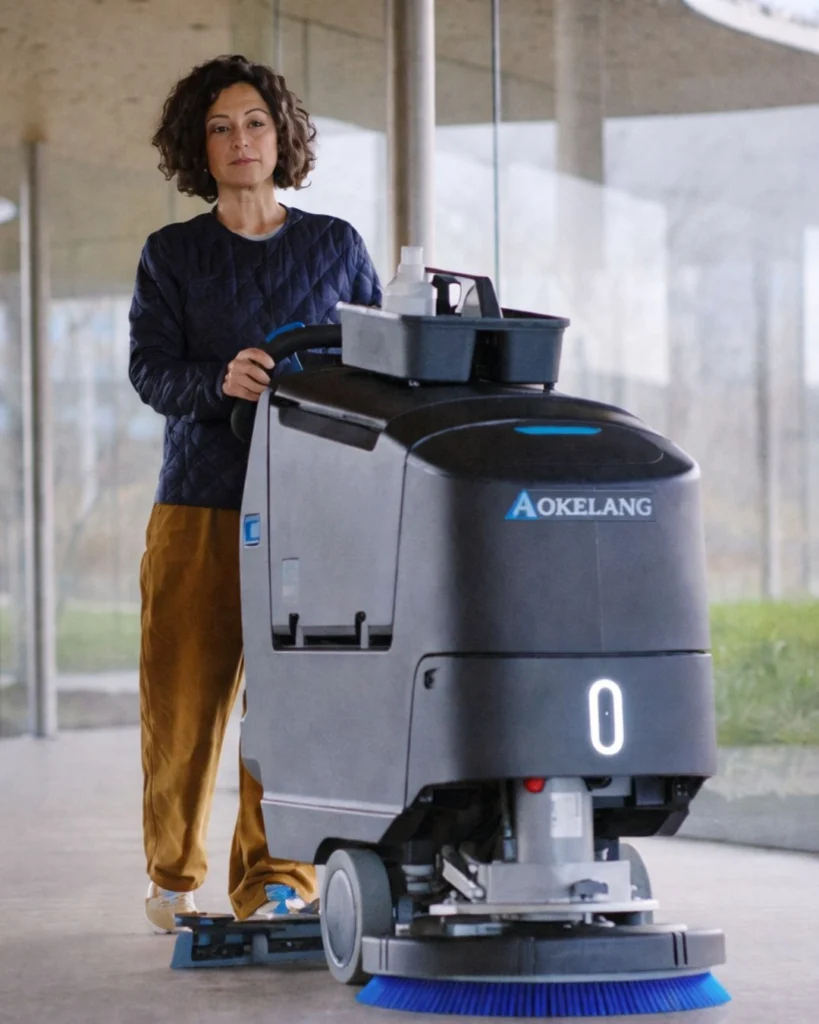
Floor scrubbers — whether walk-behind or ride-on — apply clean water and solution to the floor via a solution tank, agitate it with rotating brushes or pads, and recover the dirty water through a squeegee and vacuum system into a recovery tank. Their most common issues relate to this wet system: water not dispensing, water not being recovered, poor cleaning results from worn brushes, and battery performance.
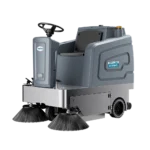
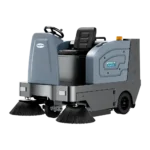
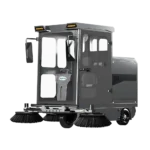
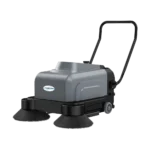
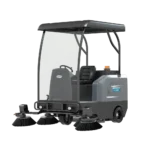
Floor sweepers — from compact walk-behind sweepers to heavy-duty ride-on floor sweepers — use rotating brushes to collect dry debris into a hopper, with filtration systems that prevent fine dust from being recirculated into the air. Their most common issues relate to this dry collection system: brushes not spinning, hopper capacity problems, filter blockages, and drive system faults.
Some issues — battery problems, abnormal noise, drive system faults — appear in both machine types. The diagnostic approach is the same regardless of machine format.

Floor Scrubber Issues: How to Identify and Diagnose
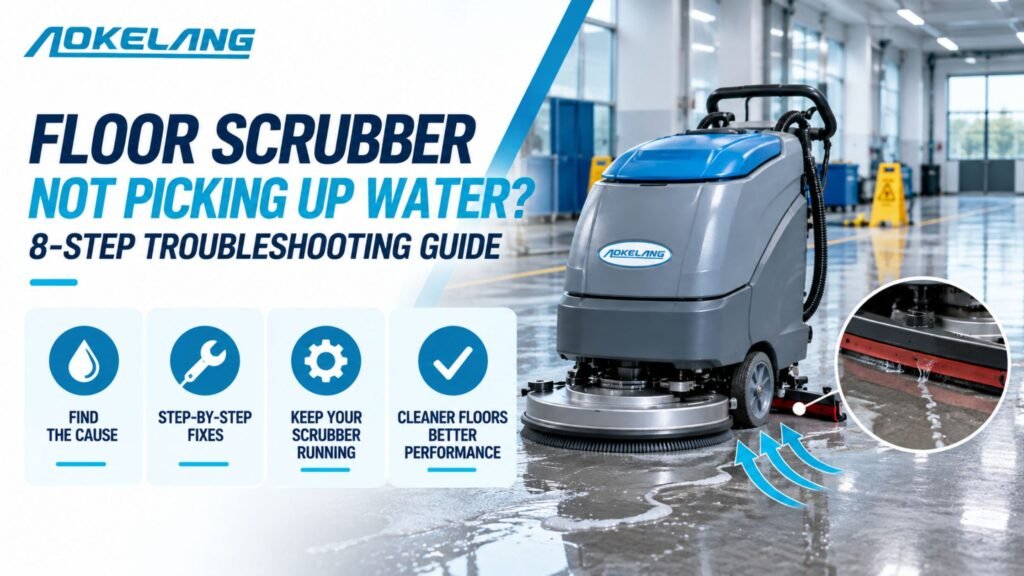
Issue 1: Poor Water Pickup — Floors Left Wet After Cleaning
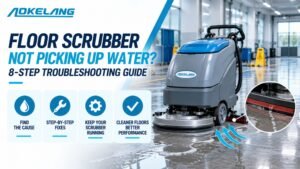
What it looks like: Water trails remain behind the machine after a cleaning pass. The floor stays wet much longer than normal after the machine has passed. In severe cases, water is clearly not being collected at all.
This is one of the most consequential scrubber issues because wet floors create immediate slip hazards and — in facilities with sensitive flooring like wood or vinyl — active floor damage. It needs to be identified and resolved quickly.
First checks:
- Recovery tank full? This is the most common cause. When the recovery tank reaches capacity, the vacuum system has nowhere to direct water. Empty the tank and resume.
- Debris tray full or blocked? A clogged debris tray prevents the vacuum system from operating correctly. Clean it out.
- Squeegee condition? Worn, torn, cracked, or misaligned squeegee blades fail to make full contact with the floor, leaving water behind. Inspect the squeegee visually — the rubber should be smooth, pliable, and making contact across its full width. Rotate or replace worn blades.
- Vacuum hose connection? Check all connections between the squeegee, vacuum hose, and recovery tank. Any loose connection creates an air leak that drops suction pressure. Reconnect firmly.
- Vacuum hose blockage? Debris can block the vacuum hose. Disconnect and visually inspect with a torch — clear any obstruction.
- Vacuum system activated? Some models require manual activation of the vacuum system separately from the brush system. Check the control panel.
Escalation sign: If all the above are in order and water is still not being picked up, there may be a damaged vacuum motor or a cracked vacuum hose requiring professional assessment.
Issue 2: Solution Not Dispensing — Brushes Running Dry
What it looks like: The machine is running and the brushes are rotating, but no cleaning solution is being released onto the floor. The machine passes over the floor without any visible solution being applied, leaving surfaces unchanged.
First checks:
- Solution tank empty? The simplest explanation. Check the tank level and refill with the correct water-to-chemical ratio.
- Solution filter blocked? Scrubbers use an inline solution filter to prevent debris from entering the pump. A clogged filter stops solution flow entirely. Remove and clean the filter — if water doesn’t flow after cleaning, the filter may need replacement.
- Water level control setting? Verify the solution flow setting on the control panel isn’t set to minimum or off.
- Solution line blockage? Mineral deposits and dried chemical residue can block solution lines over time, especially in machines that aren’t flushed after use. Run warm water through the system to clear deposits.
- Solenoid valve fault? In machines with electronically controlled solution valves, an electrical fault can shut off solution flow. If mechanical checks don’t resolve the issue, this is the likely culprit — requires a technician.
Prevention note: Running the machine briefly with clean water after each use and flushing the solution system prevents the mineral and chemical buildup that causes solution line blockages.
Issue 3: Brushes Not Rotating or Rotating Poorly
What it looks like: The machine moves across the floor but isn’t actually scrubbing. The floor may be wet from solution but the mechanical action that breaks up embedded grime isn’t happening. In some cases the brush motor hums but the brushes don’t turn.
First checks:
- Debris around the brush assembly? String, cable ties, packaging tape, and fibrous debris can wrap around the brush spindles and jam rotation. Inspect under the brush deck with the machine off and remove any obstruction.
- Belt condition? Many scrubber brush systems use a drive belt between the motor and brush assembly. A stretched, slipped, or broken belt causes the motor to run without transferring rotation to the brushes. Inspect the belt visually — if it’s slack, cracked, or broken, replace it.
- Safety switches engaged? Some machines have safety interlocks that disengage the brushes if the solution tank is low, the recovery tank is full, or the brush deck isn’t properly seated. Check all tank levels and brush deck seating.
- Brush or pad installed incorrectly? Brushes and pads need to be correctly seated on the drive plate. An incorrectly fitted pad can slip rather than rotate. Remove and refit.
- Motor fault? If the motor isn’t humming at all when brush activation is triggered, check fuses on the brush motor circuit first. If the motor hums but nothing spins and no mechanical obstruction is present, the motor or its controller may need professional service.
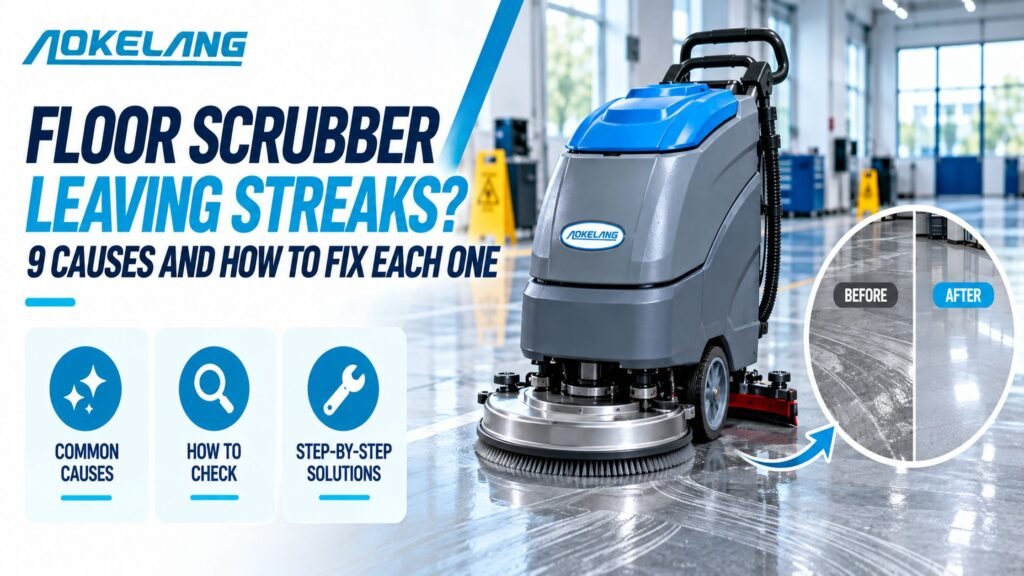
Issue 4: Poor Cleaning Results — Floors Not Coming Clean
What it looks like: The machine is operating apparently normally — solution dispensing, brushes rotating, water being recovered — but the floor doesn’t look clean after the pass. Grime, streaking, or residue remain visible.
This is often an operator or setup issue rather than a mechanical fault, and it’s worth working through the most common causes methodically.
First checks:
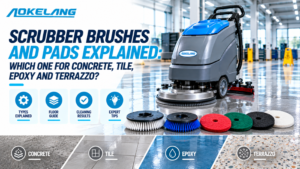
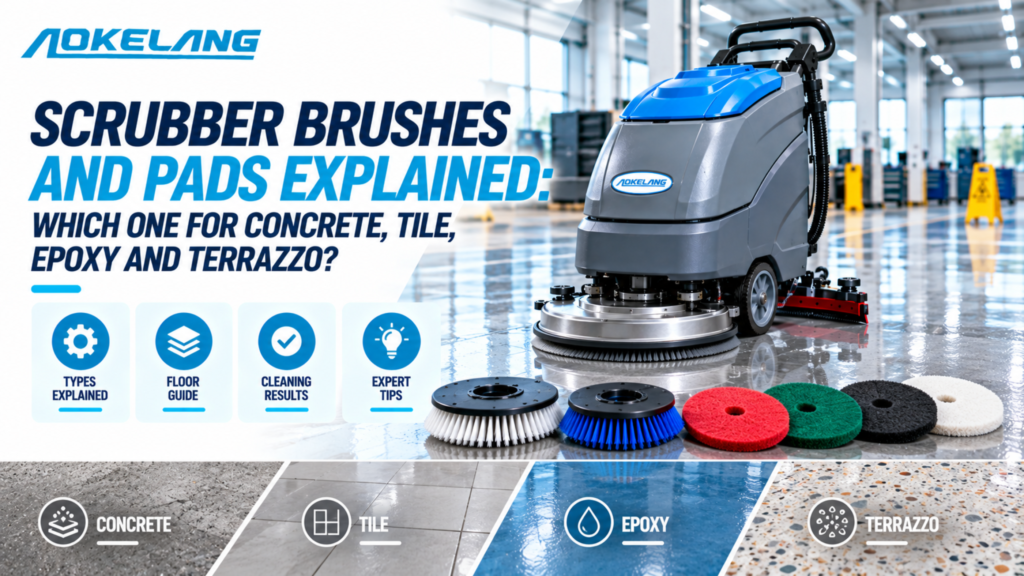
- Wrong brush or pad for the surface? This is the most frequent cause of poor results. Soft pads on heavily soiled concrete won’t break up embedded grime. Coarse brushes on sealed or sensitive floors may cause scratching without cleaning effectively. Match the brush or pad specification to the floor type and soil level.
- Brush or pad worn out? Even the correct brush type loses cleaning effectiveness as bristles or pad abrasive material wears down. Inspect for visible wear — if bristles are compressed or the pad surface is glazed and smooth, replace them.
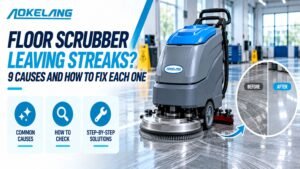
- Wrong chemical or concentration? Using the wrong cleaning chemical for the floor type, or using an overdiluted concentration, reduces cleaning effectiveness. Check the detergent specification against the floor material. Excessive chemical concentration, conversely, leaves residue that builds up over time.
- Operating speed too fast? Moving the machine too quickly reduces brush dwell time on each section of floor. The brushes need adequate contact time to break up embedded soil. Slow the operating speed on heavily soiled floors.
- Floor not swept first? Scrubbing a floor that hasn’t been swept forces the scrubber to handle dry debris alongside wet cleaning, reducing the effectiveness of both. Pre-sweep with a floor sweeper machine before scrubbing.
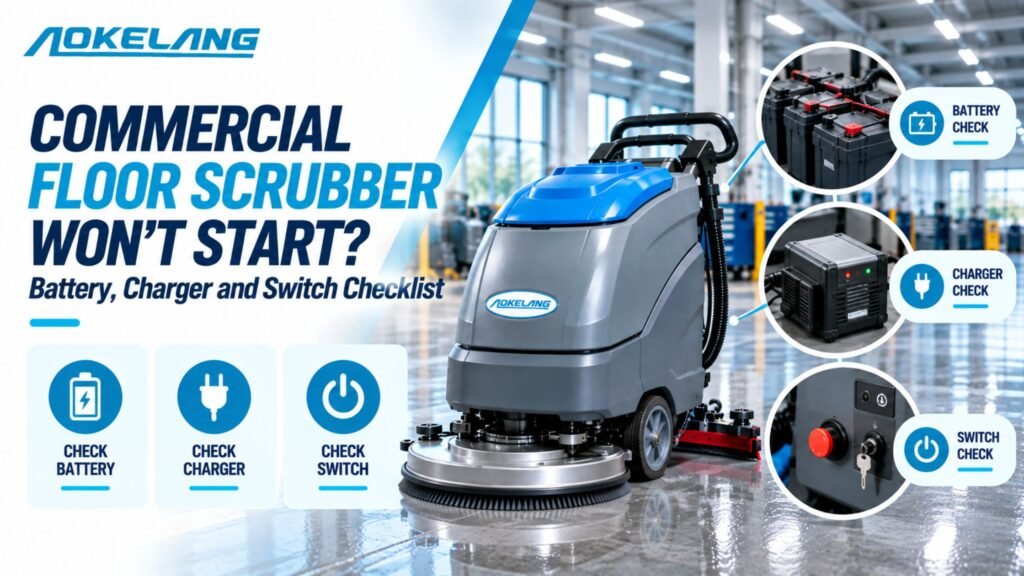
Issue 5: Battery Draining Too Fast or Not Holding Charge
What it looks like: The machine runs for significantly less time than its rated battery runtime before losing power. Cleaning cycles are interrupted by battery depletion. In severe cases, the battery is essentially depleted within minutes of starting.
Battery issues are particularly disruptive in large facilities where an unfinished cleaning cycle means leaving a partially cleaned floor.
First checks:
- Battery connections and terminals? Corroded or loose terminals reduce the efficiency of current transfer from the battery to the machine. Clean terminals with a wire brush and ensure connections are tight.
- Battery age? Lead-acid batteries have a defined lifecycle of charge-discharge cycles. After two to five years of regular use, battery capacity degrades significantly. If the battery is old and capacity has declined, replacement is the correct resolution — no amount of maintenance restores depleted battery chemistry.
- Charging habits? For lead-acid batteries, consistently running the battery to full depletion before recharging accelerates degradation. Charge after each shift rather than waiting for full discharge. Never leave lead-acid batteries in a discharged state — this causes sulphation that permanently reduces capacity.
- Brush pressure setting? High brush pressure settings increase motor load and battery draw. If runtime is shorter than expected, check whether brush pressure is set higher than the task requires.
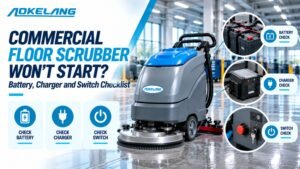
- Battery charging system fault? If batteries aren’t reaching full charge despite correct charging time, the charger or charge controller may have a fault. Test with a voltmeter — a fully charged 24V or 36V battery should read at its rated voltage at rest.
For facilities wanting to avoid these issues entirely, electric floor scrubbers with lithium-ion battery systems offer longer runtime, support opportunity charging without degradation, and have significantly longer battery lifespans than lead-acid equivalents.
Floor Sweeper Issues: How to Identify and Diagnose
Issue 6: Main Brush Not Spinning
What it looks like: The sweeper moves across the floor but isn’t collecting debris. The main brush — which drives debris into the collection hopper — isn’t rotating, or is rotating too slowly to collect effectively.
First checks:
- Debris wrapped around the brush? This is by far the most common cause. String, plastic bags, wire, cable ties, and long fibres wrap around the main brush during operation and progressively restrict its rotation until it stops. Inspect the main brush with the machine off — remove all wrapped material manually.
- Belt condition? The drive belt connecting the motor to the main brush stretches with use. A loose belt slips rather than driving rotation. A broken belt stops rotation entirely. Inspect the belt — tighten, adjust, or replace as needed following the manufacturer’s guide.
- Safety interlock? Some sweepers cut brush power if the hopper is full or a safety sensor is triggered. Check hopper fill level and sensor condition.
- Brush height adjustment? If the brush height is set too high, the bristles don’t make adequate contact with the floor. Adjust downward until bristles just touch the floor surface.
- Motor fault? If no mechanical obstruction is present and the belt is intact, test the brush motor. A non-responsive motor needs professional assessment.
Issue 7: Hopper Full or Not Collecting Debris Effectively
What it looks like: Debris is not being collected into the hopper — it’s being pushed around by the brush rather than directed into the collection chamber. Or the hopper fills unusually quickly and requires constant emptying.
First checks:
- Hopper full? The simplest cause. Empty the hopper and resume.
- Hopper door or seal? The hopper door must seal correctly for the collection airflow to work. Check that the hopper is properly seated and the door closes fully. A gap in the seal allows collected debris to escape back onto the floor.
- Side brush adjustment? Side brushes direct edge debris into the path of the main brush. If the side brush height is incorrect — too high (not touching the floor) or too low (creating drag) — edge debris isn’t being collected. Adjust until bristles make light contact with the floor surface.
- Main brush height? If the main brush is set too high relative to the debris size, larger debris is being pushed rather than swept into the hopper. Adjust brush height downward.
For industrial ride-on floor sweepers in high-debris environments, matching hopper capacity to the debris volume generated per cleaning cycle is important — undersized hoppers in high-output industrial environments create constant interruptions.
Issue 8: Dust Escaping During Sweeping
What it looks like: Fine dust is visibly being released into the air during the sweeping operation rather than being captured. Dust clouds appear as the machine passes, and surfaces near the cleaning path become dusty rather than cleaner.
This is particularly significant in environments where dust exposure is a health concern — manufacturing, food production, pharmaceutical settings.
First checks:
- Filter condition? A clogged or damaged filter is the primary cause of dust escaping the collection system. Remove and inspect the filter — clean it by gently tapping to dislodge surface dust (do not wash paper filters). If damaged or beyond cleaning, replace immediately.
- Filter seating? A filter that isn’t correctly seated in its housing allows air to bypass filtration entirely. Remove and refit, ensuring the filter makes full contact with its sealing surface all around.
- Hopper and collection system seals? Gaps in the hopper housing, cracked panels, or damaged gaskets allow fine dust to escape during collection. Inspect all accessible joints and seals — replace damaged gaskets.
- Filtration system shaker? Some industrial sweepers have an automatic filter shaker that dislodges accumulated dust back into the hopper between cleaning passes. Check that this system is functioning correctly if your machine includes it.
Issue 9: Drive System Not Working — Machine Won’t Propel
What it looks like: Battery-powered or self-propelled sweepers and scrubbers that don’t move forward under their own power, or move inconsistently. On ride-on machines, this is particularly disruptive.
First checks:
- Battery charge? Insufficient charge is the most common cause of propulsion failure. Check battery charge level before investigating further.
- Drive belt condition? Like brush drive belts, traction drive belts stretch and wear with use. A loose or broken drive belt stops forward propulsion. Inspect and adjust or replace.
- Battery terminals and connections? Loose or corroded terminals reduce power to the drive system. Clean and tighten.
- Fuse? Drive motor circuits are often fuse-protected. Check the fuse box for a blown drive circuit fuse — replace and investigate what caused the fuse to blow before resuming operation.
- Drive motor fault? If all the above are in order and the machine still doesn’t propel, the drive motor or its controller may have an internal fault requiring professional service.
Issues Common to Both Scrubbers and Sweepers
Issue 10: Abnormal Noise or Vibration
What it looks like: The machine produces unusual sounds during operation — grinding, rattling, high-pitched whining, or vibration that wasn’t present before.
Diagnostic approach:
- Grinding — usually indicates debris in a motor or bearing assembly, or metal-on-metal contact from a worn bearing. Stop operation and investigate — continued running with grinding sounds accelerates damage.
- Rattling — most often caused by loose screws, panels, or components vibrating against each other. Inspect visually and tighten any loose fasteners.
- High-pitched whining — often a bearing beginning to fail, or a belt running under incorrect tension. Identify the source and address before the bearing or belt fails completely.
- Unusual vibration — check brush or pad balance. An unevenly worn pad or a damaged brush creates rotational imbalance that causes vibration. Replace the affected component.
Any new or changed noise during operation should be investigated before the next use, not after.
Issue 11: Machine Overheating or Shutting Down Mid-Operation
What it looks like: The machine stops during a cleaning cycle without a battery depletion cause. In some machines, an overheating indicator illuminates. The machine may restart after a cooling period but fail again.
Most commercial cleaning machines have thermal overload protection that shuts the motor off when it reaches a temperature threshold — this is the protection system working correctly. The issue is whatever is causing the overheating.
First checks:
- Motor cooling vents blocked? Dust and debris accumulation on motor cooling vents prevents heat dissipation. Clean all accessible vents.
- Filter or airflow restriction? Restricted airflow forces motors to work harder and run hotter. Check and clean filters.
- Continuous operation without breaks? Running a machine continuously for very long periods in hot environments can trigger thermal protection even in a well-maintained machine. Allow cooling periods between extended cleaning runs in warm conditions.
- Brush pressure set too high? Excessive brush pressure increases motor load and heat generation. Reduce to the minimum effective setting.
Building a Pre-Use Checklist
The most effective way to catch developing issues before they become failures is a brief pre-use check before each cleaning shift. It takes two minutes and catches the most common problems before they interrupt operations.
Before every use — floor scrubbers:
- Solution tank filled with correct water/chemical ratio
- Recovery tank empty and clean
- Squeegee rubber inspected — no cracks, tears, or debris on the blade
- Brush or pad checked — seated correctly, not visibly worn
- Battery charge level confirmed
Before every use — floor sweepers:
- Hopper emptied from previous use
- Main brush checked — no debris wrapped around the roller
- Filter inspected — not visibly clogged or damaged
- Battery charge level confirmed
- Side brushes checked — correct height, no worn bristles
For a deeper look at maintaining your floor scrubbers in peak condition between uses, the floor scrubber maintenance guide covers the full scheduled maintenance approach. And if you’re evaluating whether your current machine format is still the right fit for your facility’s scale, the walk-behind vs ride-on scrubber guide provides the decision framework.
When to Call a Professional
Most of the issues covered in this guide can be resolved in-house with basic mechanical checks and component replacement. But some symptoms indicate problems that require professional service:
- Electrical faults — faulty control boards, solenoid valve failures, motor controller issues
- Motor replacement — when motor overheating has caused internal damage, or a motor fails entirely
- Hydraulic system issues on ride-on machines with hydraulic brush or hopper lifts
- Any fault that recurs after basic in-house resolution — recurring issues indicate an underlying cause that hasn’t been identified
Improper work on complex electrical or mechanical components risks causing additional damage and — importantly — can create safety hazards for operators. When in doubt, escalate to a qualified service technician rather than attempting repairs beyond the scope of basic maintenance.
The Bigger Picture: Issue Prevention Over Troubleshooting
Every issue in this guide is easier to prevent than to fix mid-operation. The common thread across nearly every problem — from squeegee wear to battery degradation to brush jamming — is that they develop gradually and give warning signs before they become failures. A pre-use check catches the warning signs. Scheduled maintenance addresses wear before it causes failure. Post-use cleaning (emptying tanks, rinsing the system, cleaning brushes) prevents the buildups that cause the majority of in-operation faults.
Facilities that build these habits into their cleaning operations don’t eliminate equipment issues entirely — but they dramatically reduce unexpected downtime, extend machine lifespan, and maintain the consistent cleaning quality that their operations depend on.
For facilities looking at the full range of floor cleaning equipment — from walk-behind scrubbers for commercial spaces to automatic floor scrubbers and industrial floor scrubber machines for demanding environments — choosing equipment with straightforward maintenance access, good parts availability, and clear service documentation makes the entire issue-identification and resolution process significantly more manageable from day one.
Browse the full commercial floor cleaning machines range to explore scrubbers and sweepers built with accessible maintenance in mind across all facility sizes and requirements.
Frequently Asked Questions
What are the most common problems with floor cleaning machines?
The most common issues include poor water pickup, brushes not rotating properly, cleaning solution not dispensing, batteries draining quickly, abnormal noise or vibration, drive system failures, and reduced cleaning performance. Early identification helps prevent costly downtime and repairs.
Why is my floor scrubber leaving water behind after cleaning?
A floor scrubber may leave water behind due to a full recovery tank, clogged vacuum hose, blocked debris tray, damaged squeegee blades, or reduced vacuum suction. Regular inspection of the recovery system usually prevents this issue.
Why are the brushes on my cleaning machine not spinning?
Brushes may stop rotating because of wrapped debris, worn drive belts, incorrect installation, safety interlocks, or motor problems. Checking the brush assembly and removing obstructions is often the first troubleshooting step.
What causes floor cleaning machine batteries to lose charge quickly?
Fast battery drain is commonly caused by ageing batteries, poor charging habits, corroded terminals, excessive brush pressure settings, or charger faults. Proper battery maintenance significantly extends machine runtime and lifespan.
Why is my floor sweeper creating dust instead of collecting it?
Dust escaping during sweeping often indicates clogged filters, damaged filtration systems, poor filter sealing, or worn hopper gaskets. Cleaning or replacing filters helps restore dust control performance.
How can I improve cleaning results if my machine seems to be working normally?
Poor cleaning performance may result from worn brushes, incorrect cleaning chemicals, unsuitable pads, excessive operating speed, or skipping pre-sweeping. Matching the machine setup to the floor type and soil level improves results.